We find it. You approve it. We see it through.
Every job we take on, from a single safety file to a site we run for you, follows the same loop and builds the same record. Our crews and robots see the asset, our engineers decide what matters, and nothing moves until you say yes.
-
See
What changed since last time.
Drones, robots and crews capture the site. AI reviews every frame and page.
-
Decide
What matters, and what to do.
Engineers weigh each finding against its history. You approve.
-
Act
Done, recorded, checked.
The work is carried out and documented, and the next visit checks it held.
The loop
See. Decide. Act. Then look again.
Most industrial problems are found late, argued about for weeks and fixed without a record. We run every job as a closed loop, so a finding becomes a decision, the decision becomes work, and the work is checked the next time we look.
-
01See
We see more, and sooner.
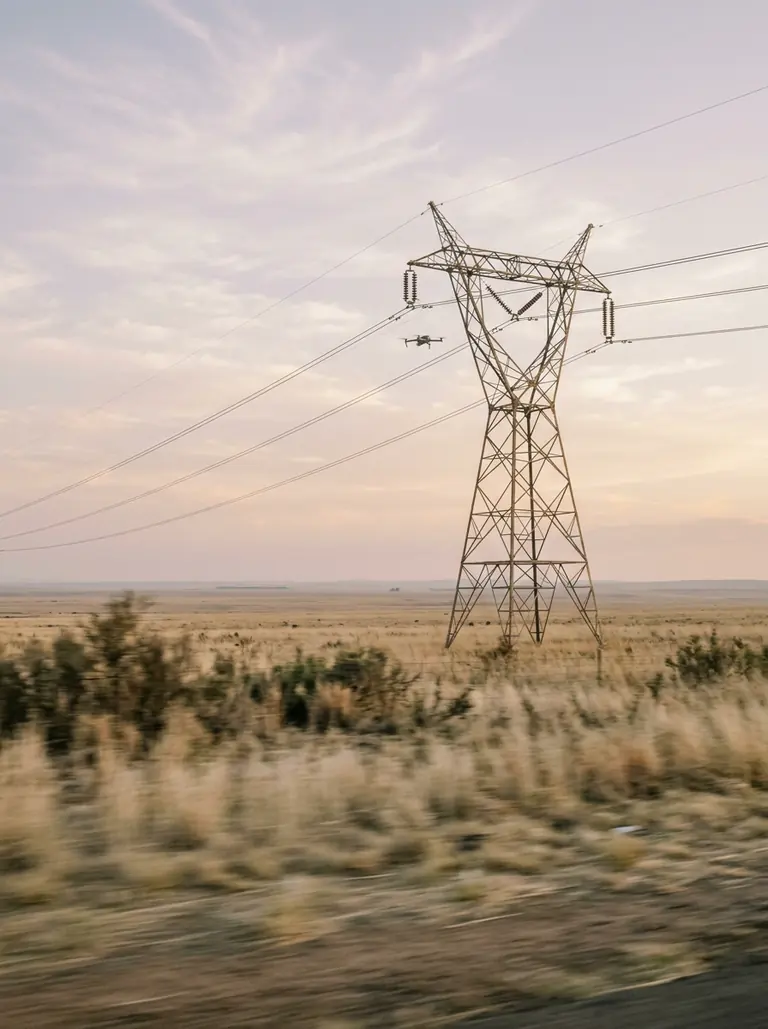
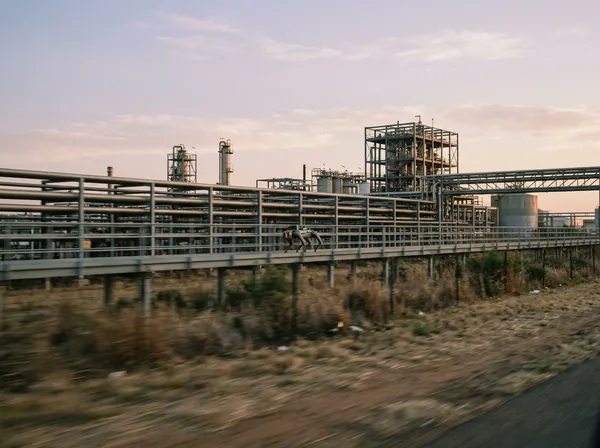
Drones and robots reach what people shouldn't have to, on a route they can repeat. Our crews add what only boots on site will notice. AI reviews every frame, drawing and register, and compares this visit with the last.
- What happens
- Capture of the asset, plus the documents and records you already hold.
- What you get
- Findings with an image, a location and a history, not a folder of raw photos.
- Drones & robots
- AI reviews
-
02Decide
We know what matters.
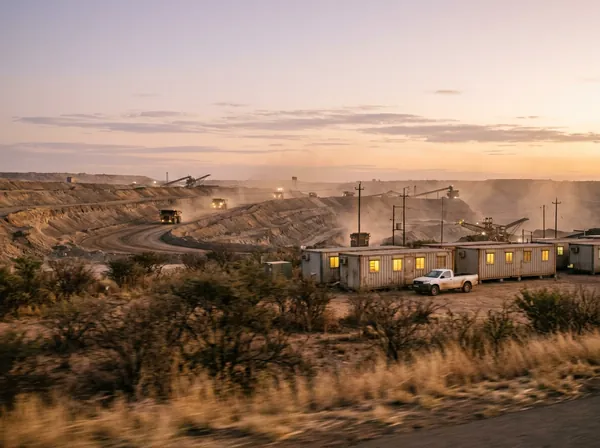
Our engineers weigh each finding against its history, your SAP Business One records and the programme, then rank it by risk. Every recommendation carries its sources, so you can check the reasoning rather than trust it.
- What happens
- Findings ranked, actions proposed, costs and timing laid out.
- What you get
- A short list of what to do next, and the evidence for each item.
- Our engineers
- You approve
-
03Act
You approve. We see it through.
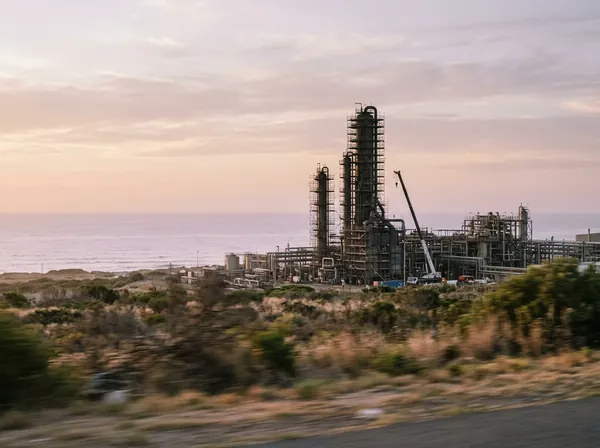
Once you sign off, the work is planned, carried out by us, our partners or your own team, and documented as it happens. The compliance record is built from the same data, not pieced together afterwards.
- What happens
- Work scheduled, done and closed out, with photographs and sign-offs.
- What you get
- A finished job and the paper trail to prove it. Work orders back to your ERP · Building
- Crews & partners
- AI keeps the record
Then the loop closes. The next visit checks that the fix held, and starts from everything the last one learned. Repeat findings stop being a surprise and start being a trend you can act on.
Who does what
People decide. AI does the grind. Robots go where people shouldn't.
AI does
The reading, comparing and drafting that eats the week.
- Reviews every inspection frame and flags what changed since the last visit.
- Reads drawings, specifications, registers and reports, and lists what is missing.
- Drafts reports, work packs, safety files and schedules as a first pass.
- Answers questions from your records, showing where every figure came from.
- Keeps registers current, so the record never falls behind the work.
People decide
The judgement, the signatures and the stop-work calls.
- Which findings matter, and how soon.
- What gets fixed, when, and by whom.
- Every signature a regulation asks for, by a competent or registered person.
- Approving anything that is sent, written or switched on.
- Stopping the job when something isn't safe.
Robots and drones go
Where people shouldn't have to.
- Up headgear, stacks, cranes and pylons, so fewer people work at height.
- Into hot, confined or hazardous areas, so fewer people go in.
- Over ground too large to walk: solar fields, conveyors, lines.
- Along the same route each time, so every visit compares like with like.
The aim is fewer people in harm's way and more hours for skilled work, never fewer jobs. See what we believe.
Across the lifecycle
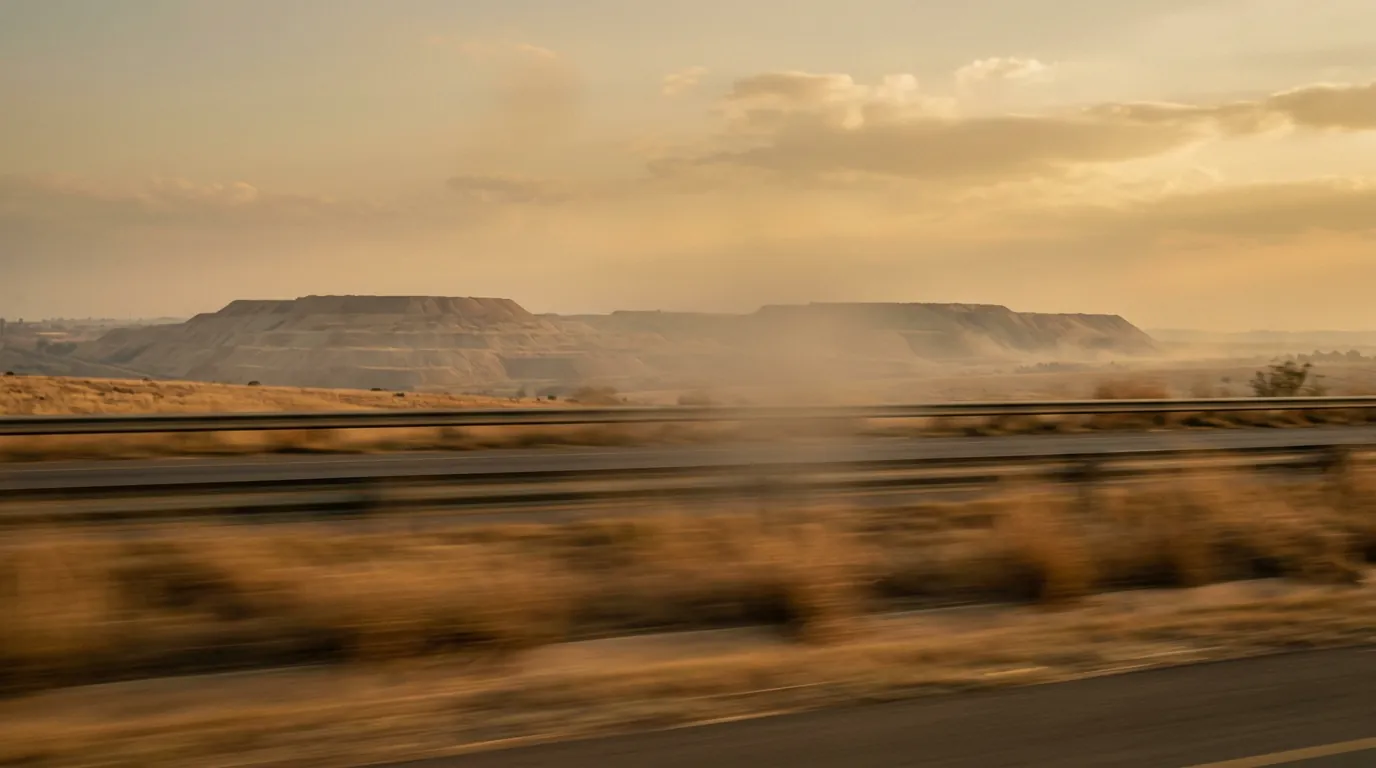
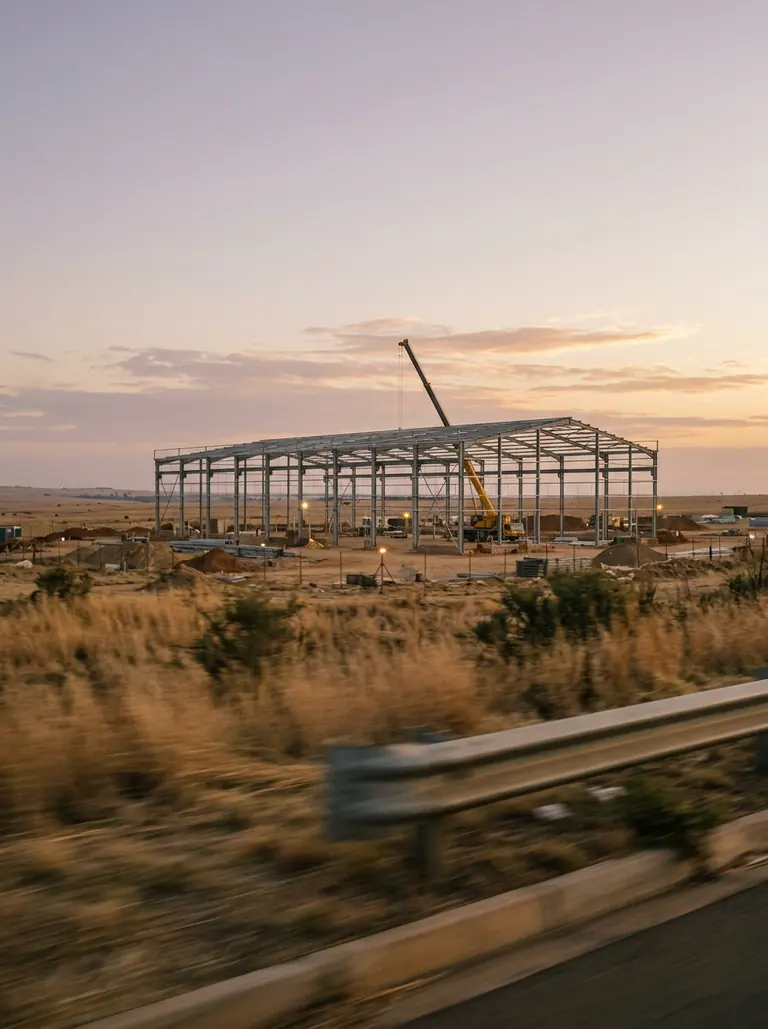
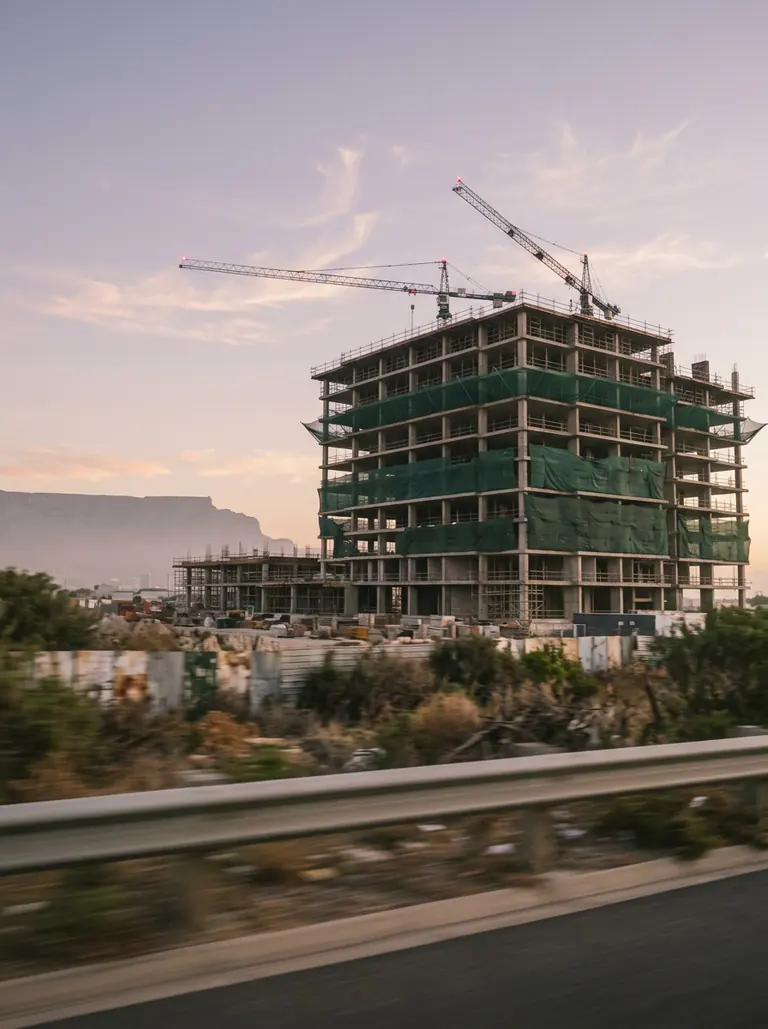
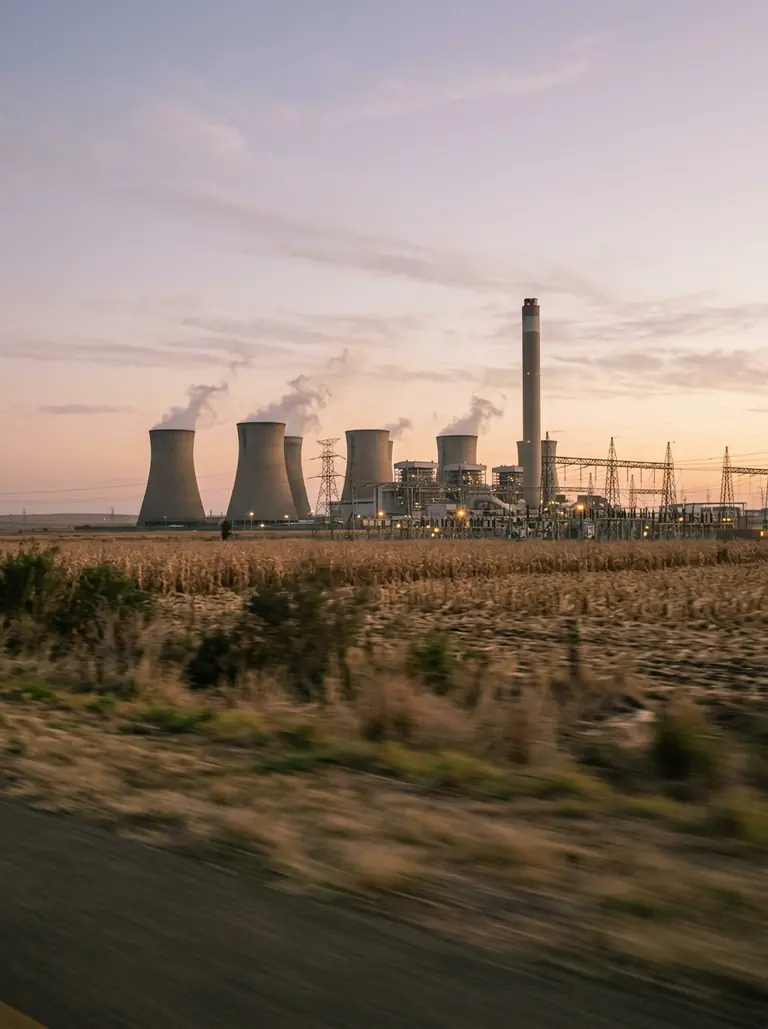
Plan, design, build, inspect, operate.
Most assets outlive the teams who built them. We work at every stage, and we make sure what each stage learns is waiting for the next.

-
 01 · Plan
Make the costly decisions with everything on the table.
Feasibility, budgets, programmes and the standards that apply, gathered in one place before money is committed. What we learn here becomes the baseline every later stage is measured against.
-
 02 · Design
Design it fully before the first pour.
Multidisciplinary engineering for AutoCAD and Revit, checked against the plan and the ground it will stand on. Where it earns its place, a digital twin starts here and keeps working long after handover.
-
 03 · Build
Build safely, with the right materials on hand.
Safety files, procurement and progress run alongside the work, with specialist construction partners on the tools. The record is kept from the first day, so the handover pack grows with the job.
-
 04 · Inspect
Look more often, with fewer people at height.
Drones and robots capture the asset on a schedule. AI compares every visit with the last and flags what changed, and our engineers decide which findings deserve your attention.
-
 05 · Operate
Run it for longer, with fewer surprises.
Findings become approved work, controls stay documented, and the people running the asset work from the same record that designed and built it.
One memory
Every service shares one memory.
Our teams all work in Kuumba Work, our own AI workspace. What planning learns is waiting at inspection, and what inspection finds is waiting when you operate. Nothing is lost at handover, so each job starts further ahead than the last.
Plan
Leaves behindThe budget, the baseline programme and the standards that apply.
Design
Leaves behindDrawings, calculations and the asset as it was meant to be.
Build
Leaves behindThe safety file, as-builts, test certificates and the handover pack.
Inspect
Leaves behindFindings with image, location and history, visit after visit.
Operate
Leaves behindWork done, downtime, changes made, and what is due next.
Kuumba Work
Your own environment · client data stored in South Africa
- Ask
- Act
- Automate
- Apps
Kuumba Work
The software behind every service.
It is how a small team keeps many sites current without losing the thread. It comes with the work; clients who want their own teams in it can license it too.
Inside Kuumba Work- Answers with sources. Questions answered from your documents and SAP Business One, with the source of every figure one click away.
- Documents out. Reports, registers and packs generated as Word, Excel or PDF.
- Apps for the work. Inspections, jobs and registers in focused apps your team can filter and update.
- A person approves. Anything that writes or sends waits for a yes.
- Automations.Building Follow-ups and reminders that run on their own once a person switches them on.
Your first piece of work
Start with one asset, one site, one problem.
A first piece of work is small on purpose. It shows how we work on your ground, with your people, before anything grows from it.
-
Step 1Scope
We agree what done looks like.
One asset, one site, one problem worth solving: a safety file that keeps coming back, a conveyor nobody has looked at properly, a programme that has drifted from the site. We agree the deliverable, the standard it must meet, and who on your side approves it.
- You
- Our engineer
-
Step 2Inputs
You send what you already have.
Drawings, registers, past inspection reports, the programme and, where it helps, read-only access to SAP Business One. We set up your own Kuumba Work environment, and where the job needs eyes on the asset, our crews go and capture it.
- You
- Drones & robots
-
Step 3First delivery
AI takes the first pass. Engineers make it right.
AI reads, compares and drafts. Our engineers check every finding and every line against the site and the standard, rewrite what is generic, and sign wherever a signature is required. Each statement points back to the document or image it came from.
- AI drafts
- Engineer signs
-
Step 4Review
You review, and you decide.
We walk you through what we found, what we recommend and what is still open. You approve, change or reject it. Nothing is sent, written or scheduled until you do.
- You approve
-
Step 5Ongoing
The work stays live.
The next visit starts from everything the first one learned. Registers stay current, findings are tracked to close-out, and what began as one job can become a standing service for the site.
- Our engineers
- AI keeps the record
How long it takes. That depends on the scope and on what is already on file. We say on the first day what is missing, and we never paper over a gap to hit a date. Work that only your suppliers or contractors can provide is shown as open, with a name against it.
Questions engineers ask
Before the first site visit.
Do we need to license Kuumba Work to work with you?
No. Kuumba Work is the software our teams deliver with, and it comes with the work. You see what we see, in your own environment.
If you later want your own people working in it day to day, it can be licensed on its own.
Does AI make decisions about our plant?
No. AI reads, compares and drafts. Our engineers decide what matters, and you approve what happens. Safety-critical calls and every signature stay with people.
Are you here to replace our maintenance team?
No. Robots and software take on the climbing, the reading and the retyping. Your people keep the judgement, spend fewer hours in harm's way, and learn the tools alongside our crews.
Which of our systems can you work with?
Kuumba Work reads SAP Business One with read-only access today, and works with Word, Excel, PDF and scanned documents. Connections to Microsoft 365 and Google Workspace are being built now.
Our engineers deliver in the formats your teams already use: Primavera P6, Microsoft Project, AutoCAD, Revit and Power BI.
Where is our data kept?
Each client has its own environment, with client data stored in South Africa. AI model processing happens outside South Africa, on routes asked to keep nothing. The security page walks through each path.